
Office is now Microsoft 365
The all-new Microsoft 365 lets you create, share and collaborate all in one place with your favorite apps
Sign up for the free version of Microsoft 365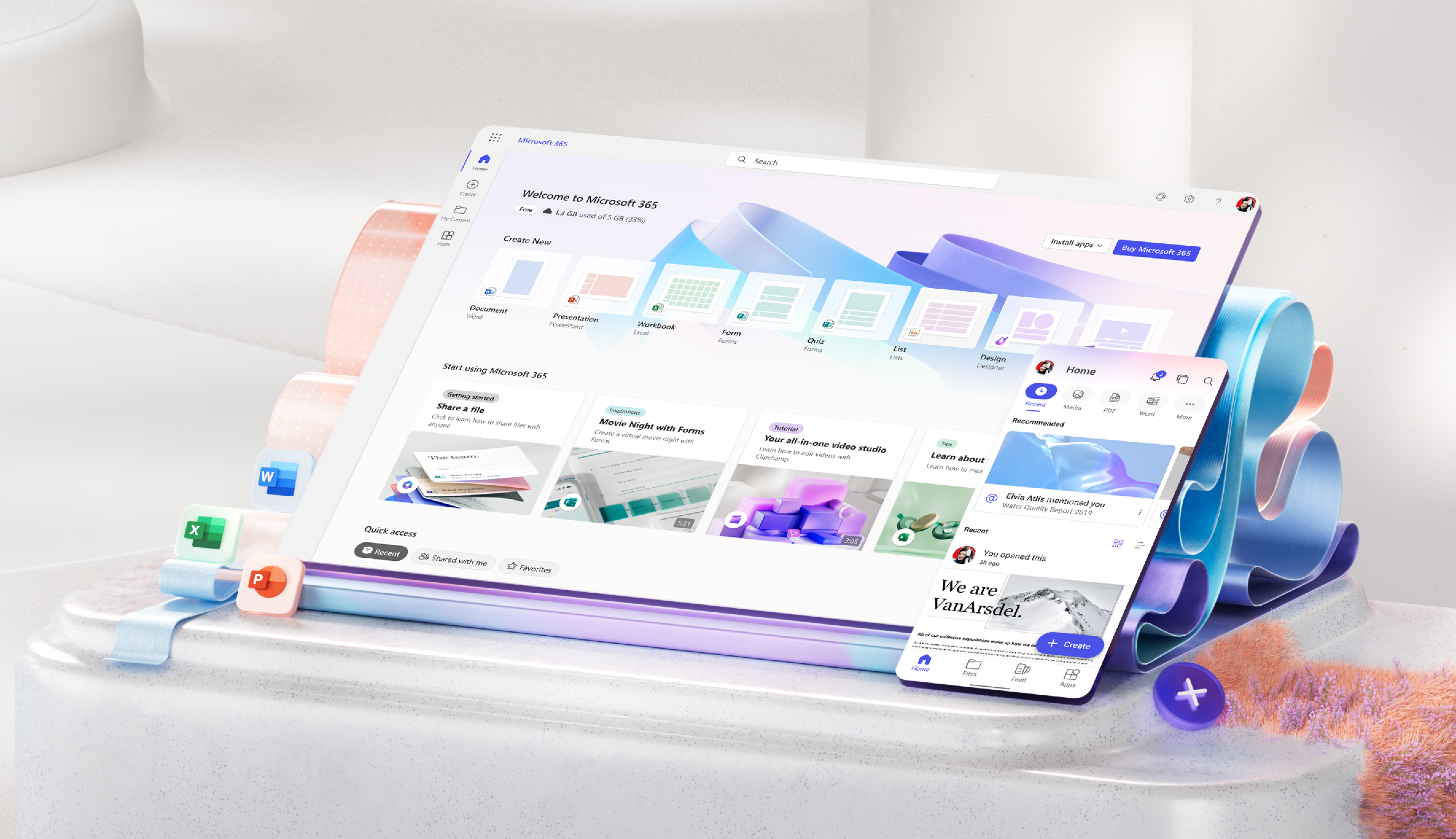
Free or premium:
Microsoft 365 has you covered
Everyone gets cloud storage and essential Microsoft 365 apps on the web, free of charge
Create something inspiring
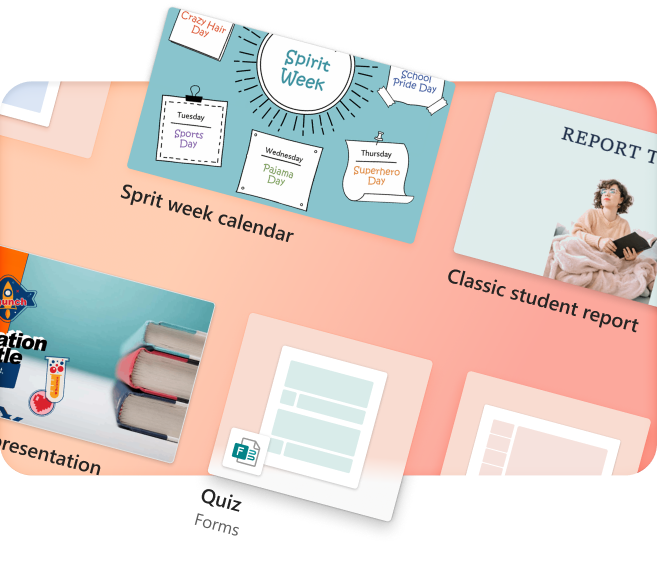
Quickly design anything for you and your family—birthday cards, school flyers, budgets, social posts, videos, and more—no graphic design experience needed.
Explore more at Microsoft Create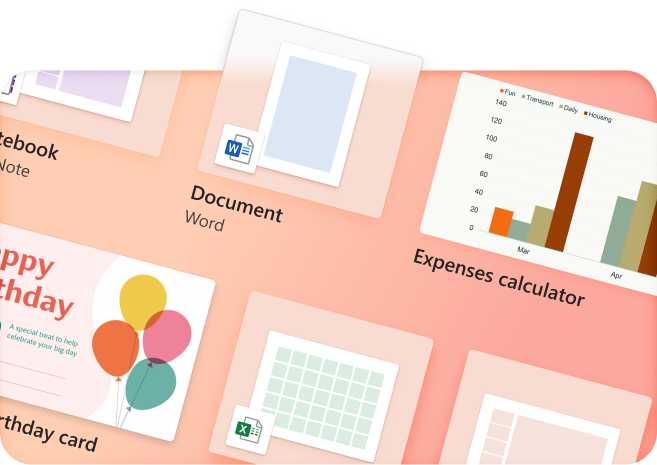
Store with confidence
Your files and memories stay safe and secure in the cloud, with 5 GB for free and 1 TB+ if you go premium
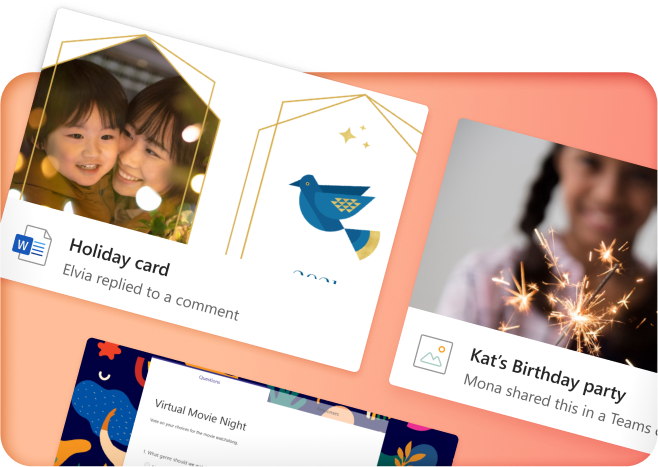
Share with friends...
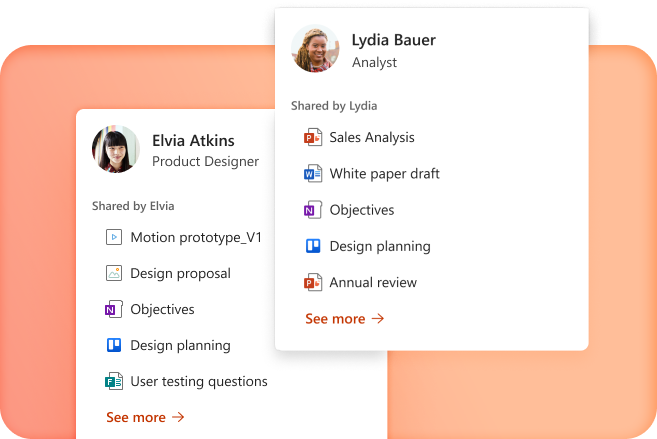
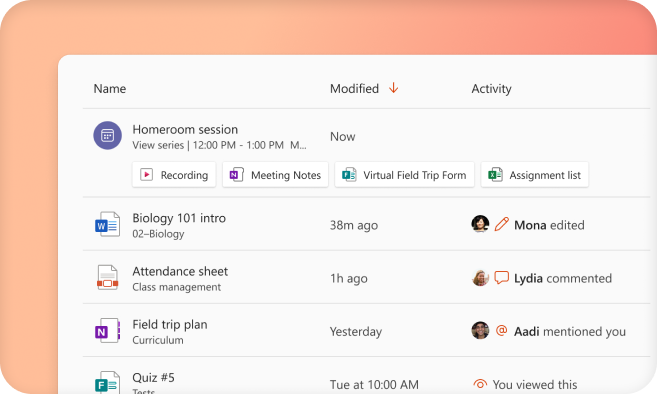
...even if they don't have Microsoft 365. Seamlessly collaborate and create files with your friends and family

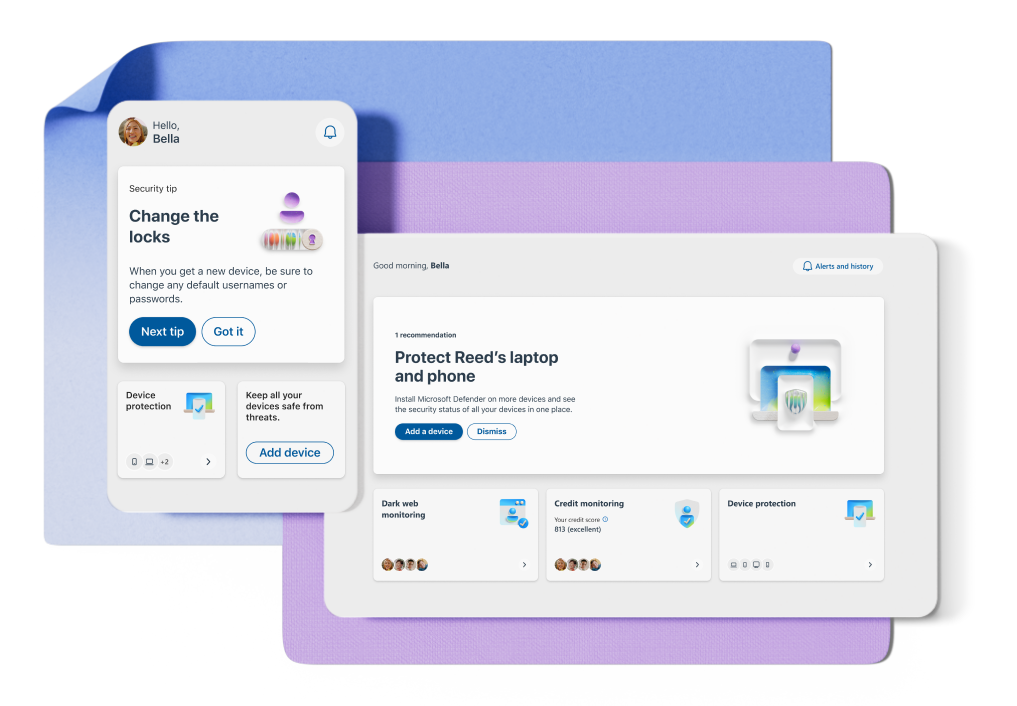
Protect your personal data
Easily add and monitor your family members' information in your dashboard
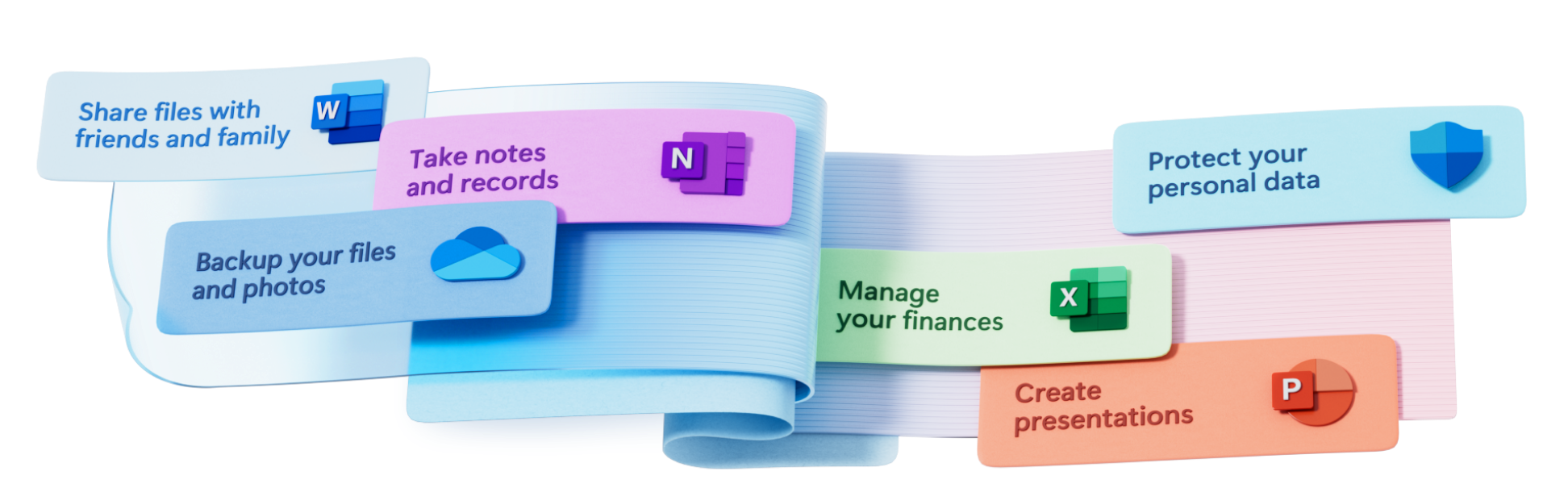
More apps in fewer places
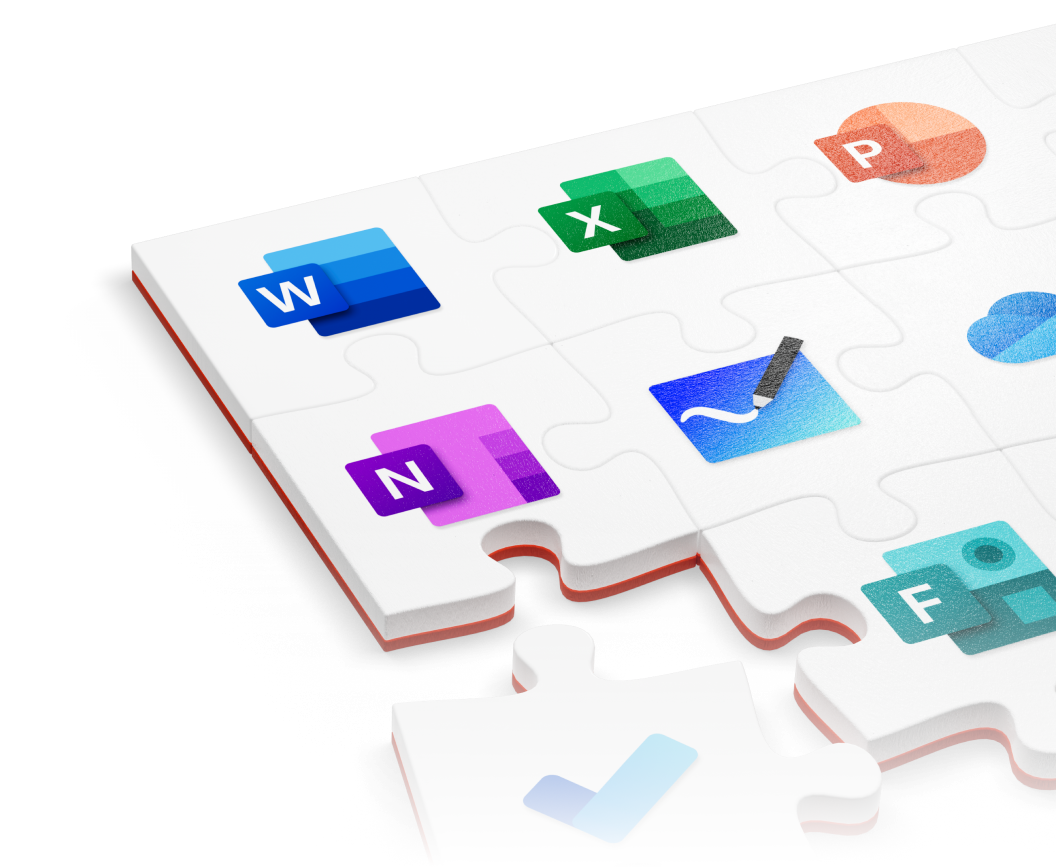
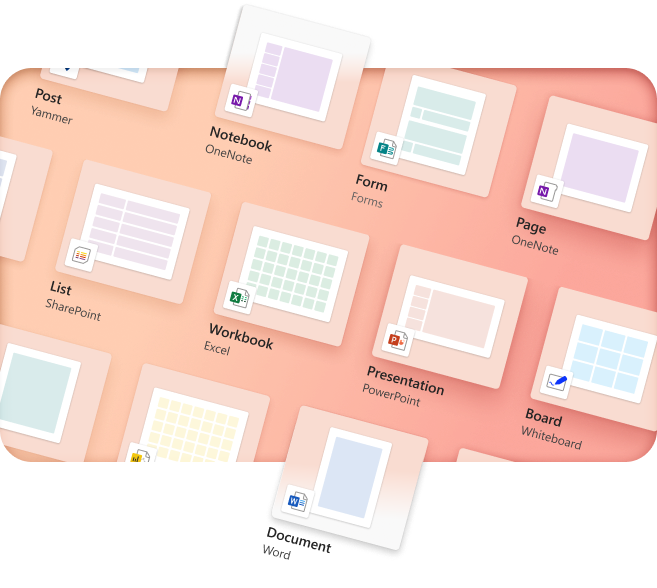
The new Microsoft 365 brings together your favorite Microsoft apps all in one, intuitive platform

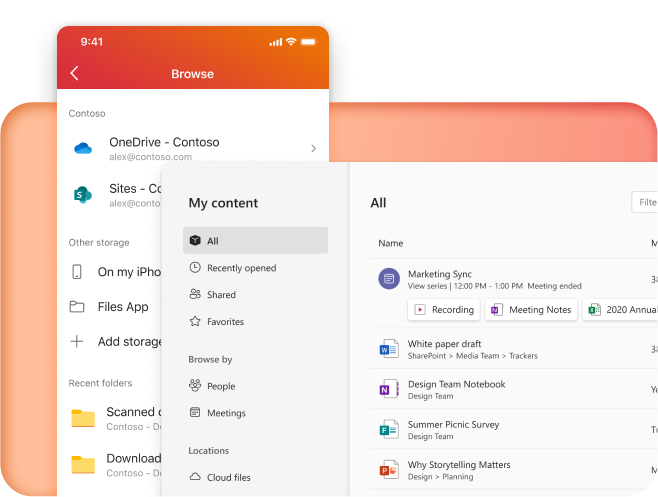



Get the free Microsoft 365 mobile app


Follow Microsoft 365